Connections and Datastores in Waterline

Kelvin Omereshone
@Dominus_Kelvin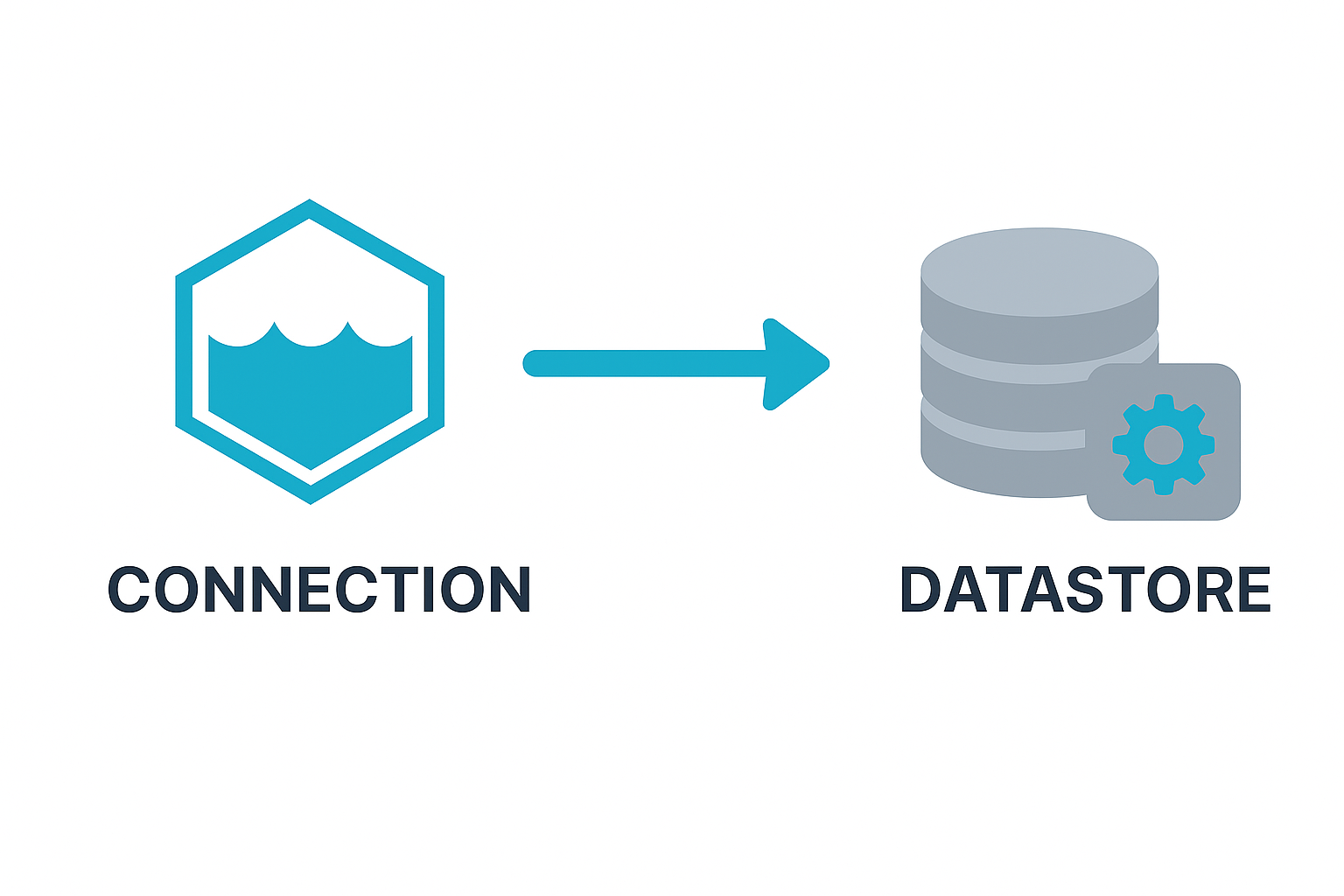
Absolutely — that’s an important historical detail, and it will help readers who may bump into older Sails/Waterline tutorials. Let me fold it in and tighten up any assumptions.
Here’s the corrected and expanded draft 👇🏾
Connections and Datastores in Waterline
When working with databases in Sails.js, two concepts often come up together: connections and datastores. They sound similar, but they serve different purposes. Understanding this distinction makes it easier to configure your app for development, testing, and production environments.
A Note on History
In earlier versions of Sails (before v1.0), database settings were defined in config/connections.js. Each model declared which connection it used.
Since Sails v1.0, this file was replaced by config/datastores.js. The reasoning was:
- The word connection caused confusion, because models weren’t literally holding on to a live database connection — they were referencing a set of connection settings.
- The new term datastore better reflects what’s happening: a datastore is a named bucket of configuration that models can reference. Under the hood, Waterline still manages and pools live connections to the database, but the configuration layer is now cleaner and less misleading.
This rename also aligned Sails with the idea of supporting multiple logical datastores in one app (e.g., one for analytics, one for transactions).
Connections
A connection defines the technical details needed to talk to a database through an adapter. Think of it as the low-level configuration that tells Waterline how to reach the database.
A connection usually includes:
- Adapter – which adapter to use (e.g.,
sails-postgresql,sails-mongo). - Host and port – where the database is running.
- Credentials – username, password, database name.
- Options – SSL settings, pool size, and other adapter-specific values.
Example:
// config/datastores.js
module.exports.datastores = {
  postgresDb: {
    adapter: 'sails-postgresql',
    url: 'postgresql://user:password@localhost:5432/mydb',
  }
};
Here, postgresDb contains the connection settings for a PostgreSQL database.
Datastores
A datastore is a named reference to a set of connection settings inside your app. Models point to a datastore, and that datastore knows which adapter and database configuration to use.
By default, Sails apps include a default datastore. You can override it in config/models.js:
// config/models.js
module.exports.models = {
  datastore: 'postgresDb',
  migrate: 'safe',
};
In this case, all models use the postgresDb datastore unless a model overrides it.
How They Work Together
- A connection is the database configuration.
- A datastore is the name you give that configuration in your app.
- Models bind to a datastore, not to the raw connection.
This separation provides flexibility. You can:
- Define multiple datastores (e.g.,
analyticsDb,transactionsDb). - Switch environments easily (e.g., use
sails-disklocally,sails-postgresqlin production). - Bind different models to different datastores without rewriting queries.
Example: Multiple Datastores
// config/datastores.js
module.exports.datastores = {
  default: {
    adapter: 'sails-disk',
  },
  analyticsDb: {
    adapter: 'sails-mongo',
    url: 'mongodb://localhost:27017/analytics',
  }
};
// api/models/User.js
module.exports = {
datastore: 'default',
attributes: { /* ... */ }
};
// api/models/PageView.js
module.exports = {
datastore: 'analyticsDb',
attributes: { /* ... */ }
};Here, User data is stored locally in sails-disk during development, while PageView records are stored in MongoDB.
Why It Matters
- Clear terminology: The shift from
connections.jstodatastores.jsavoids confusion and makes configs easier to reason about. - Flexibility: Multiple datastores let you mix databases in the same app.
- Portability: Switching a datastore’s configuration lets you move to another database with minimal changes.
Conclusion
Connections and datastores give Waterline its flexibility. Connections provide the raw database settings, while datastores provide clean, app-level names that models can reference. Together, they make it easy to configure your Sails app for different environments and scale across multiple databases when needed.
In the next article, we’ll dive into the Waterline Query Stages, exploring the various stages queries your give to Waterline go through before they get to the underlining database.